

My Perfect Hotel Screenshots
Who Should Play
Core Goal:
Through efficient operations and continuous upgrades, gradually transform the initial small inn into a highly reputable, fully-equipped high-end luxury hotel and elevate its ranking.
Short-Term Goals:
Respond promptly to guests' needs, complete daily tasks such as reception, check-in, and cleaning, secure stable financial returns, and accumulate resources required for upgrades.
Long-Term Goals:
Unlock all room types and premium facilities, assemble a full team of professional staff, clear all engaging challenge levels, explore mysterious rewards during operations, and achieve the dual pinnacle of hotel scale and profitability.
How to Play
Operation Rules
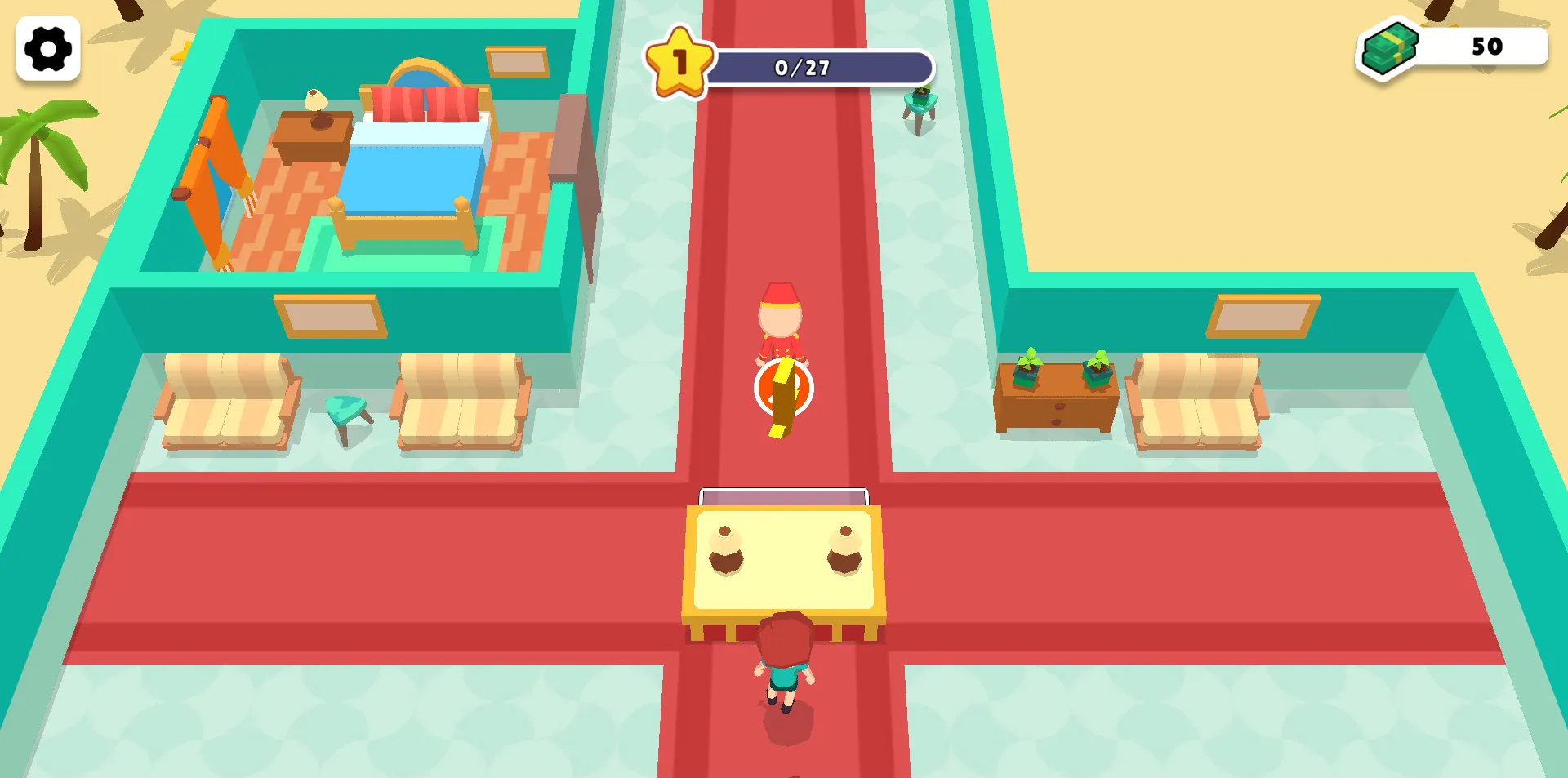
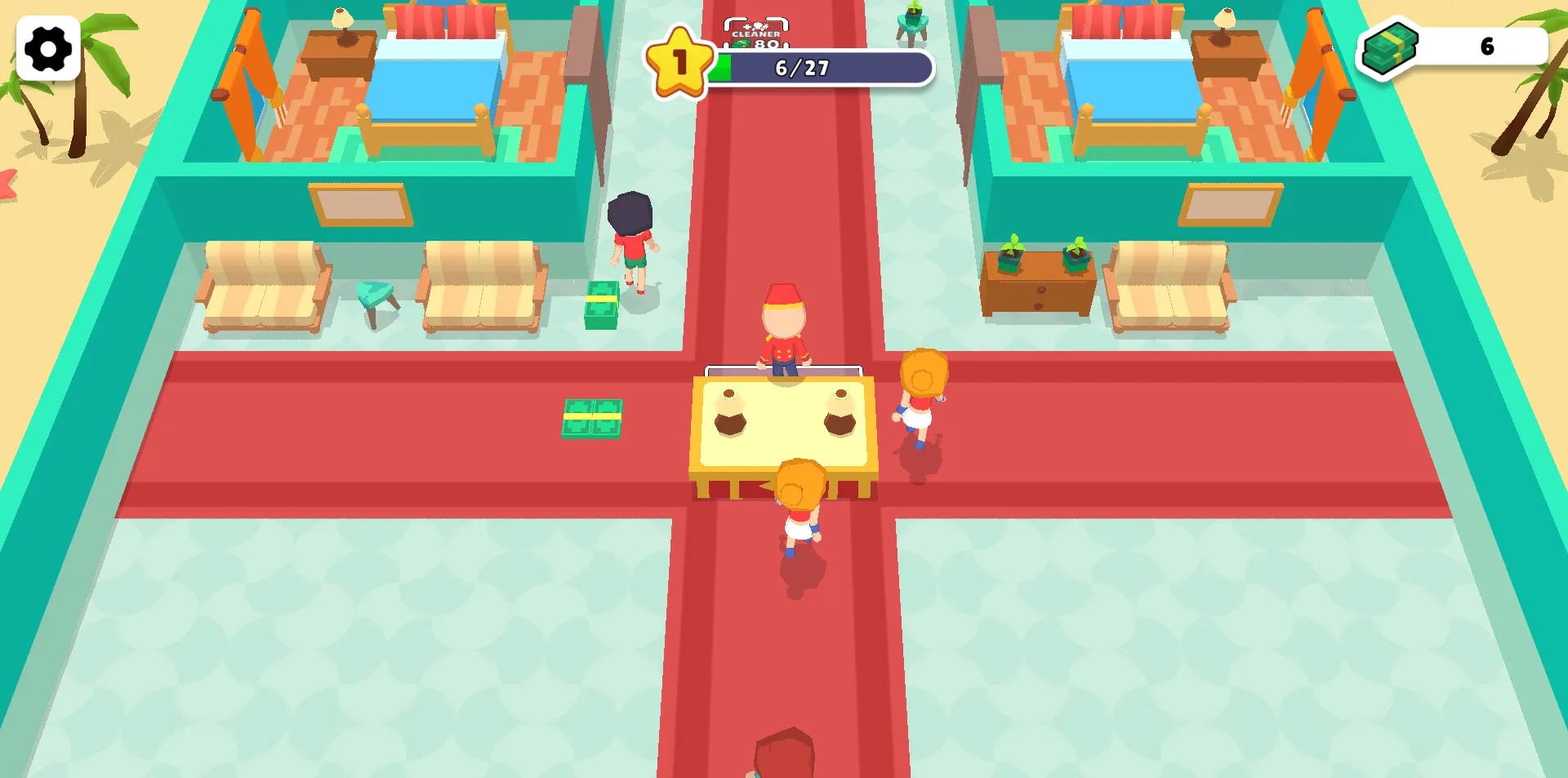
Follow the prompts to control the protagonist's movement with the mouse, completing processes such as guest reception, room cleaning, and fare collection.
Operation Rules
After guests check in, ensure service efficiency—clean checked-out rooms promptly to accommodate new guests. Hotel revenue mainly comes from guest spending, followed by room cleaning fees and public restroom charges.
Upgrade Rules
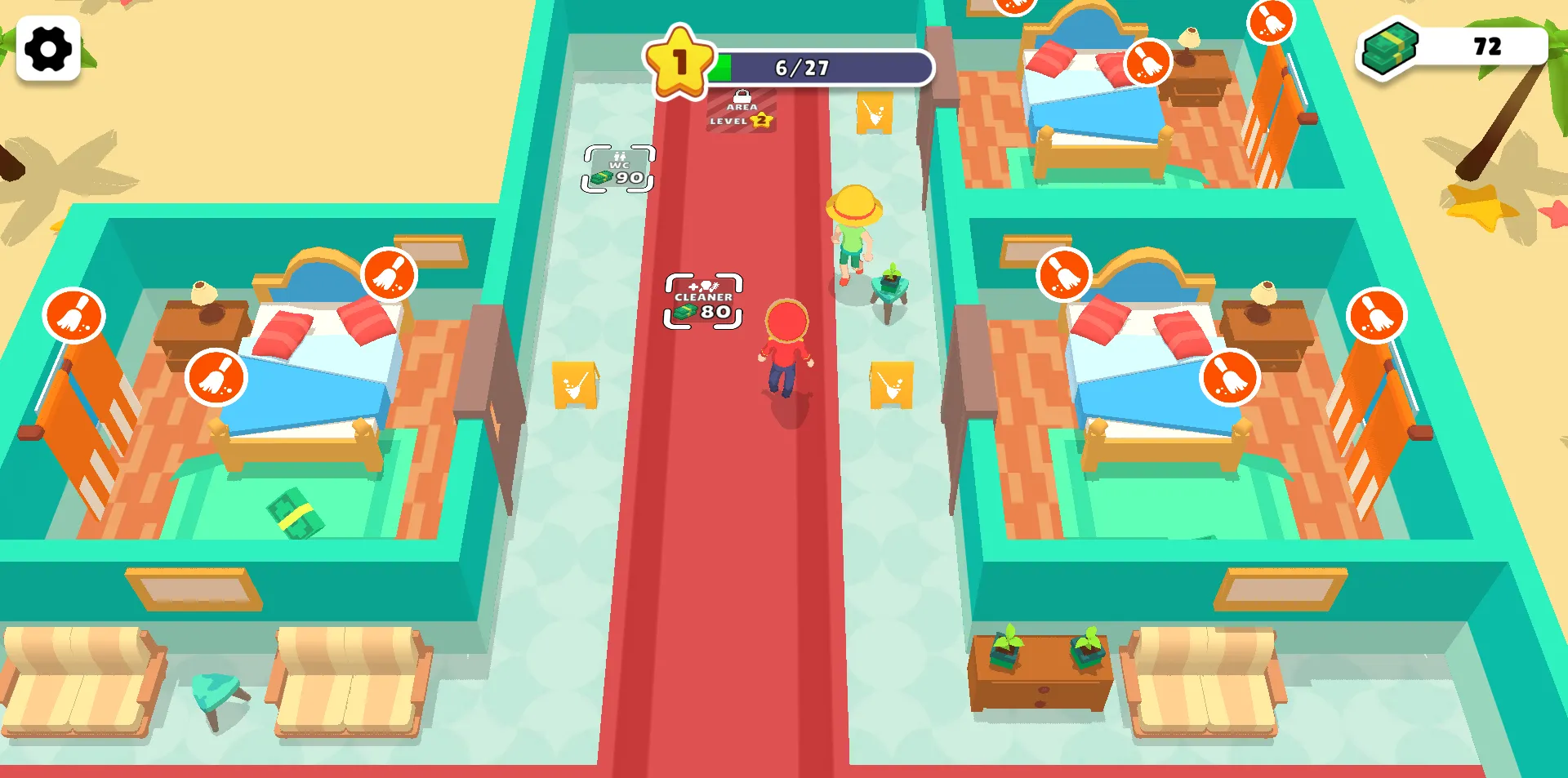
Once you’ve accumulated sufficient funds, approach the landmark icons in the game to spend money on increasing the number of guest rooms and unlocking facilities like restrooms. You can also hire staff with different skills using funds to enhance operational automation.
Frequently Asked Questions
First, confirm if you’ve swiped the screen to move your character close to the target (guest or uncleaned room)—the character needs to be within a short distance to trigger automatic interaction. If the issue persists, try restarting the game or checking if you’re using the latest version.
Unlocking facilities and hiring staff requires two conditions: sufficient funds and the hotel reaching the corresponding level. Keep receiving guests to accumulate funds, and you’ll unlock the relevant permissions once the hotel level increases.
We recommend closing other background apps to free up device memory. Also, check if there’s enough storage space on your device to ensure smooth operation. If the problem continues, try uninstalling and reinstalling the latest version of the game.