

SnapStyle Dress Up Screenshots
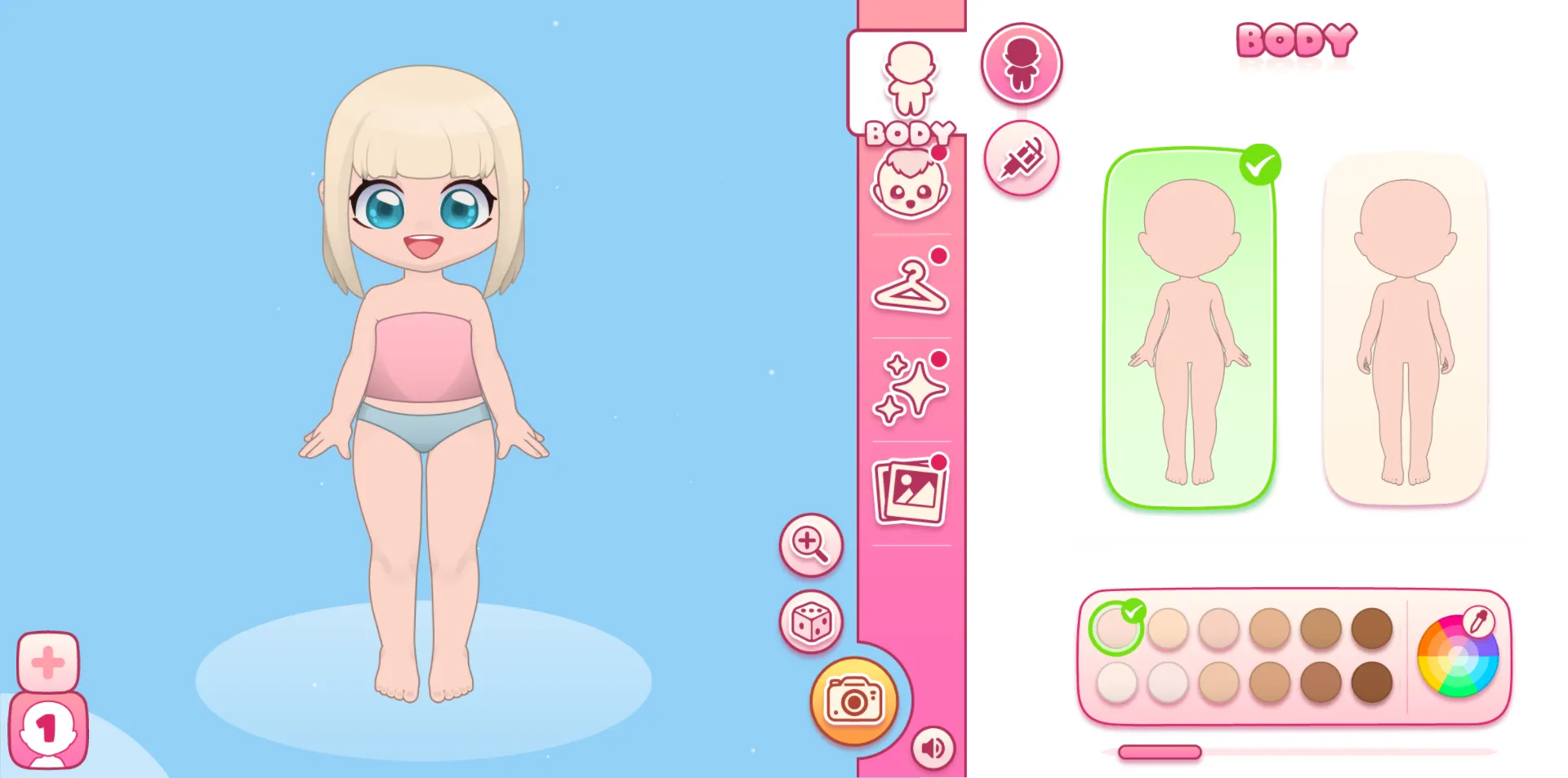
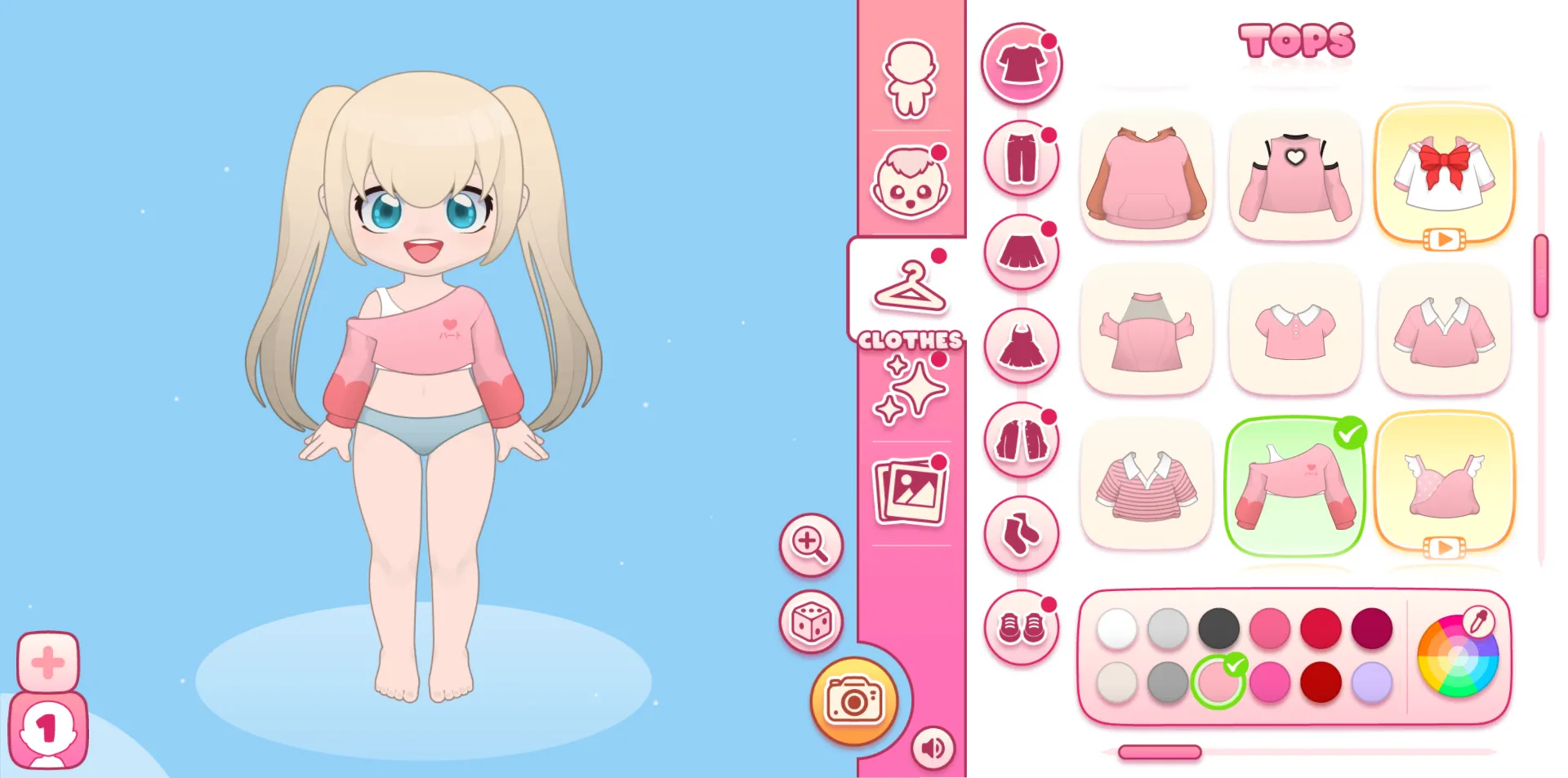
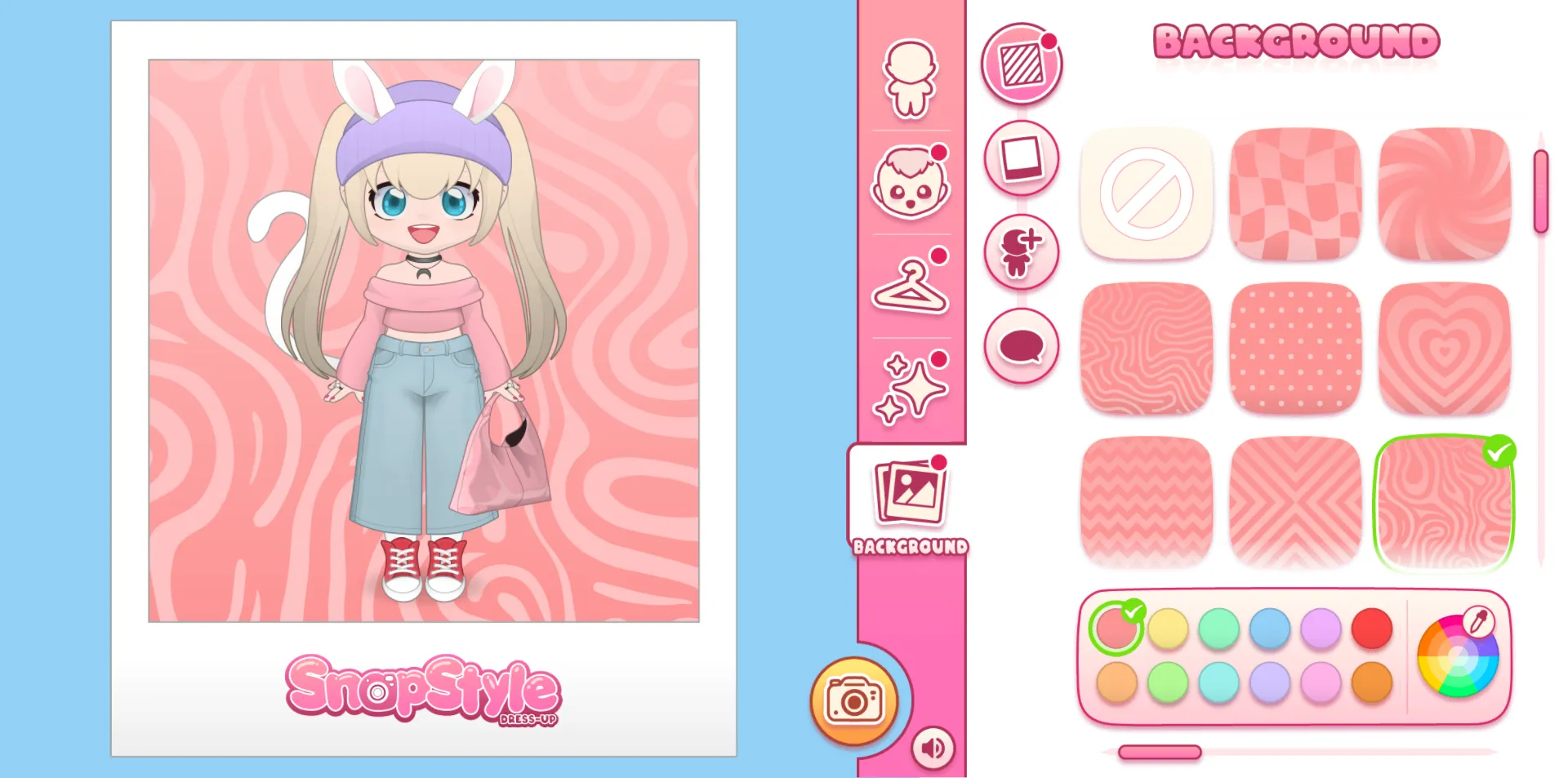
Who Should Play
In SnapStyle Dress Up, your main goals are:
- Create a unique model: Customize the model’s appearance to match your personal aesthetic.
- Design diverse outfits: Unlock and mix clothing and accessories to complete fashion challenges across multiple styles.
- Capture your creations: Use backgrounds, filters, and frames to take high-quality photos of your styled models.
- Collect rare items: Expand your wardrobe with exclusive clothing and accessories.
- Showcase your style: Build a portfolio of outfits and become a trendsetter in the game’s fashion world.
How to Play
- Gameplay flow: The game centers on model customization, outfit styling, and photo capturing. It supports single-player free creation with no time limits and win or loss conditions, letting you focus entirely on fashion and personal expression.
- Model customization: Adjust every feature of your model, including skin tone, facial details, hairstyle, hair color, and expressions. Each option offers multiple levels for precise personalization.
- Outfit styling: Clothing and accessories are neatly organized into categories like tops, bottoms, dresses, outerwear, shoes, bags, jewelry, and headwear. Styles include sweet, edgy, vintage, elegant, and street fashion. Mix and match freely—there are no fixed outfit rules.
- Photo capturing: After styling, select a background and frame, then tap the camera button to take a high-quality photo. All photos are saved in the in-game gallery for easy viewing and management.
- No failure: There are no win or loss conditions. You can adjust your model and outfits repeatedly until you’re satisfied with the result.
Game Controls
- Mouse: Click to select, customize, and style your model and accessories.
Frequently Asked Questions
In the model customization screen, open the Expressions tab to browse and select from preset expressions. You can also adjust makeup, eyebrows, eyes, and other facial details to better match your outfit and overall look.
Expressions and accessories must be removed manually. If you want a fresh start, click the plus icon at the bottom-left to add a new model and begin styling from scratch. The previous model’s look will remain saved in your collection.
Yes! In the customization or styling screen, tap the camera button, select a background and frame, and take a photo. The image will be saved directly to your device in full resolution.